Vogue Cover Maker: Turn Your Photo Into a Magazine Cover
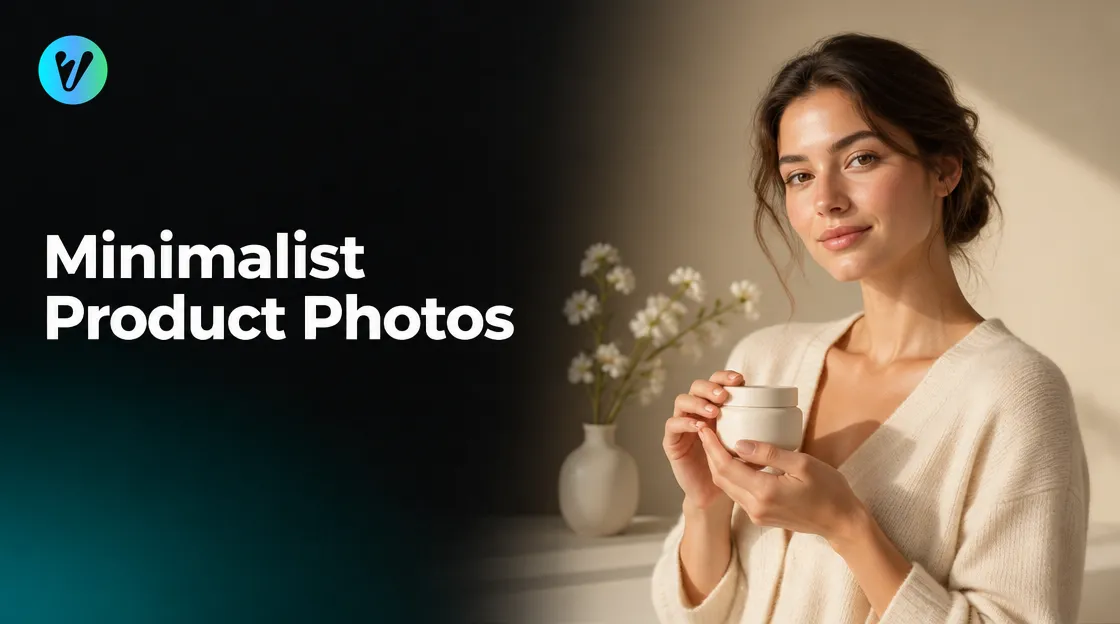
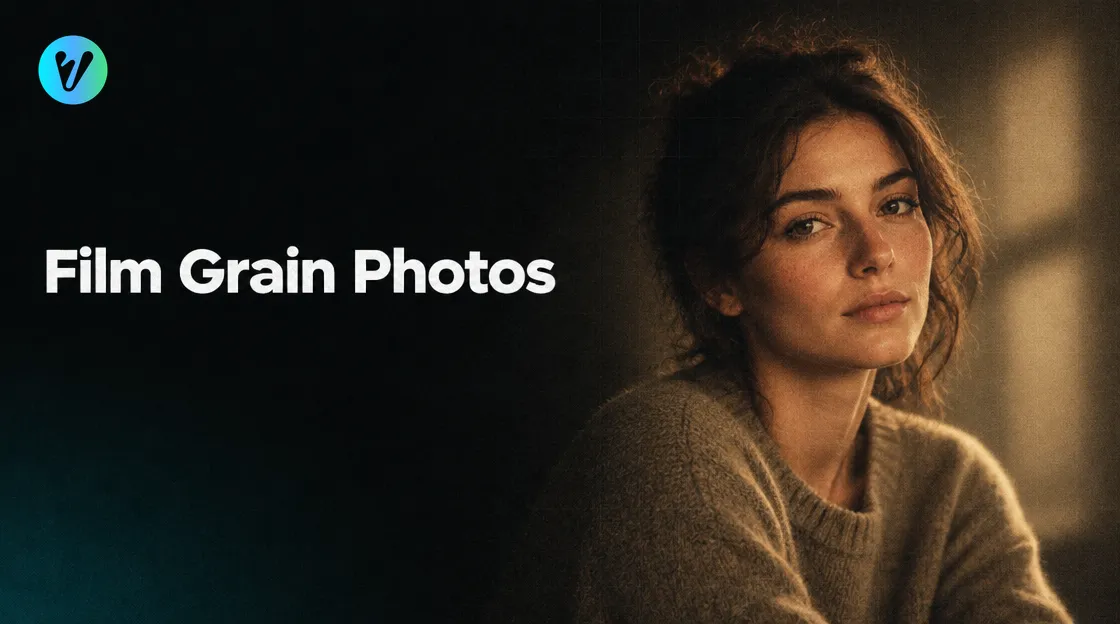
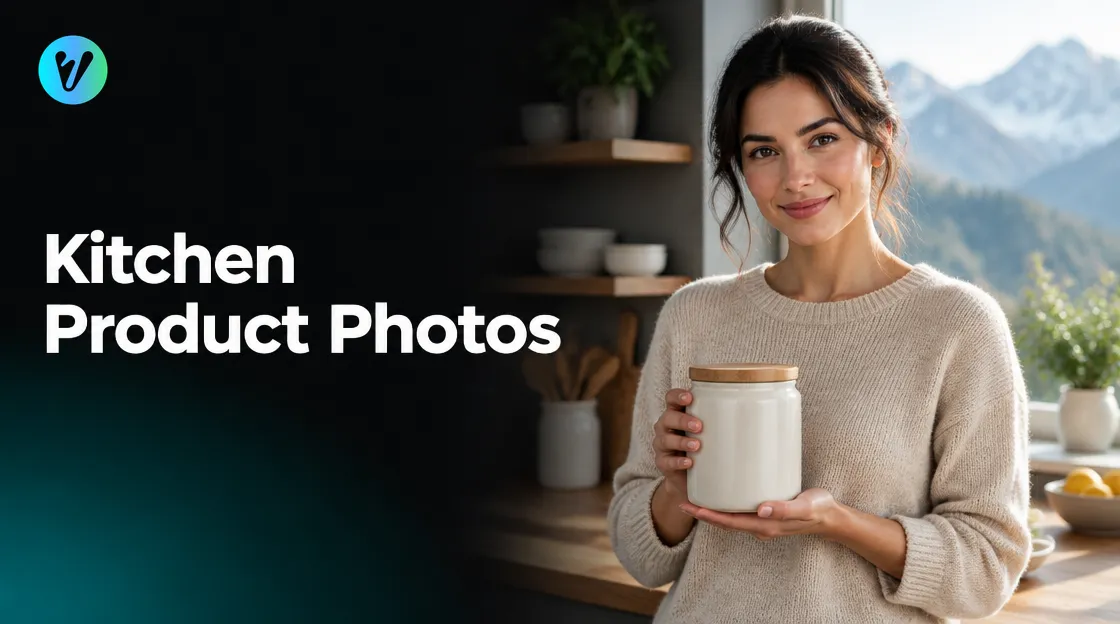
A Vogue cover maker turns one clear portrait into a polished, magazine-style image. No studio, no photographer and no editing skills are needed. You upload a photo, pick a shape, and the AI restyles it in seconds.
This guide shows you how to use one well. You will learn the three steps, how to choose a starting photo, and which small choices make the result feel like a real editorial shot.
What a Vogue Cover Maker Actually Does
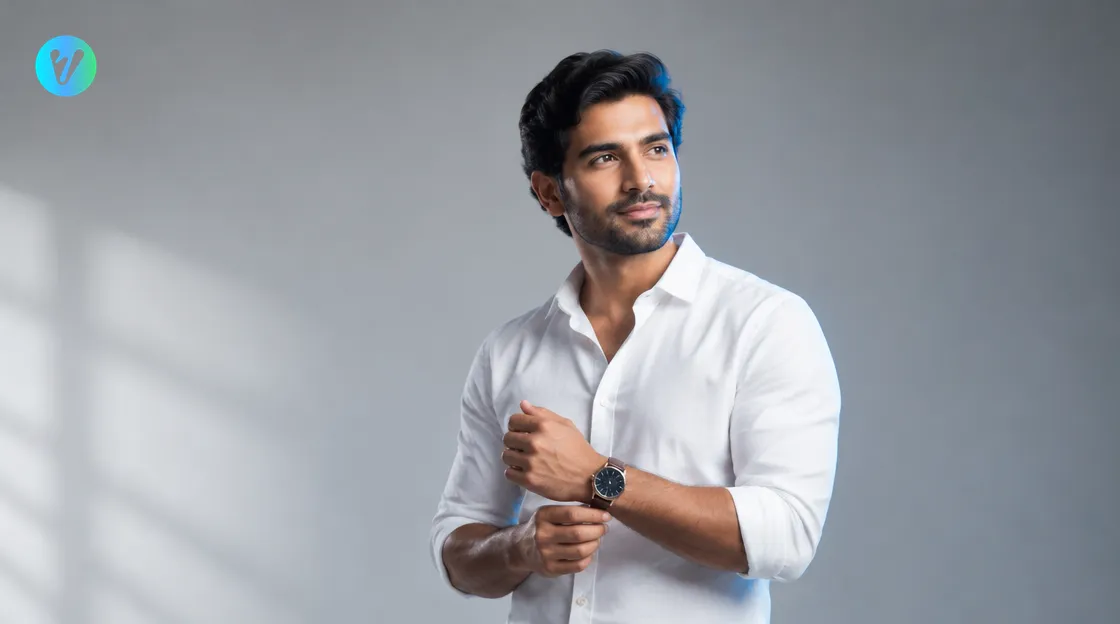
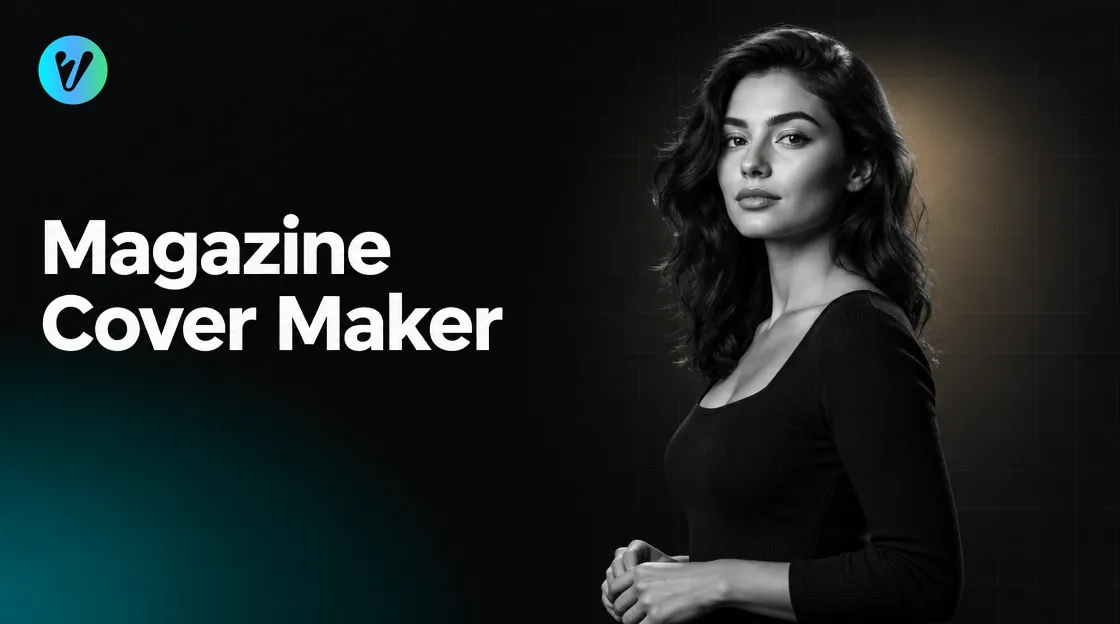
A Vogue cover maker restyles your portrait into the clean, minimal look of an editorial magazine cover. Think of a confident pose, a simple background, sharp light and an uncluttered layout. The goal is a finish that feels ready for print.
Voymage's Vogue Editorial Cover style describes this as a "polished, magazine-ready finish" with bold styling and minimal layouts. It is built for portraits of you, so the best results start with a good photo of you.
A quick note on the name. "Vogue-style" here only describes a look. This article does not suggest any link between Voymage and a magazine publisher, and the style is meant for your own portraits.
How to Use the Voymage Vogue Cover Maker in Three Steps
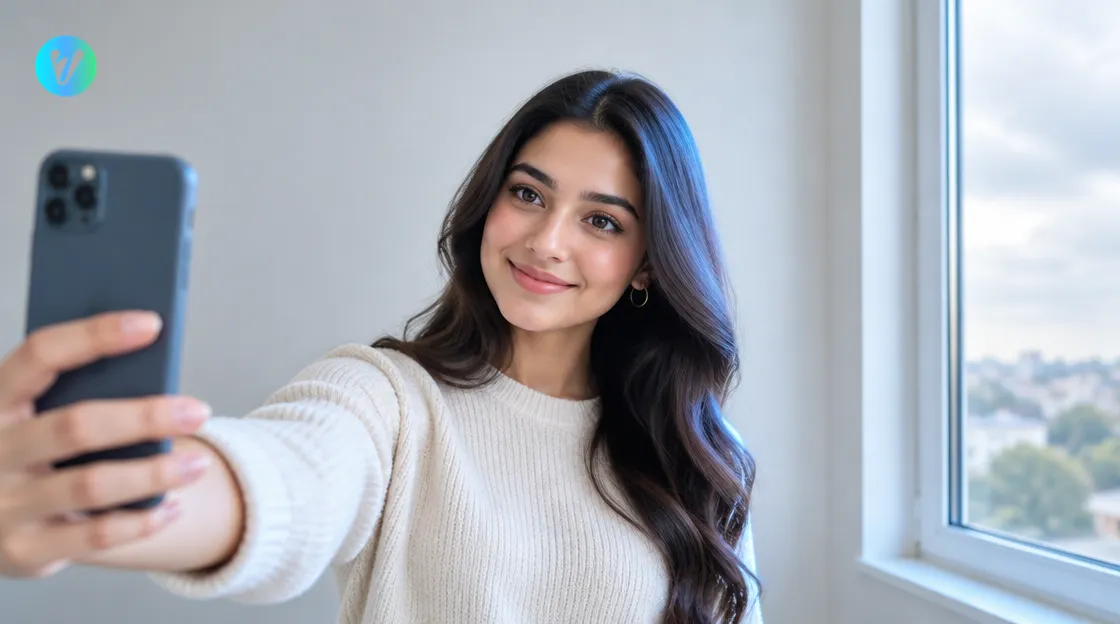
The process is short. The style page walks you through three steps.
- Upload your photo. Drag and drop an image, or choose one from your device.
- Choose the format. Select the aspect ratio you want, based on where the image will be used.
- Generate and download. Your finished portrait is ready to download.
No editing skills. No studio. No hassle. The part you control most is step one, so it is worth a few extra minutes. The next sections help you get it right.
Pick a Starting Photo That Gives a Better Result
The AI restyles what you give it. A sharp, well-lit photo gives it more to work with than a dark or blurry one. Use this table as a quick check before you upload.
| Factor | Aim for | Avoid |
|---|---|---|
| Light | Soft, even light, such as a window on a cloudy day | Harsh midday sun or light from below |
| Angle | Front-facing or slightly turned, eyes toward the camera | Extreme close-ups and tilted wide-angle selfies |
| Background | A plain, uncluttered wall | Busy rooms and strong patterns |
| Quality | A sharp, high-resolution image | Blurry, tiny or heavily filtered files |
| Face | Clearly visible, nothing covering it | Deep shadows, hands or objects over the face |
Light matters most
Soft light flatters skin and keeps detail in the face. Adobe's guide to portrait lighting suggests standing next to a window on a cloudy day, because the clouds diffuse the harsh sun. It also notes that light from below looks unnatural, since we expect light to come from above.
Keep the frame simple
Stand against a plain wall. Leave a little space above your head and around your shoulders. A calm background keeps the focus on you and suits the minimal layouts of the editorial look.
Pose and Outfit Ideas for the Editorial Look
Editorial covers feel confident and relaxed. The Voymage style page points to sleek outfits such as rolled-up shirts and slim trousers, with a statement accessory like a wristwatch. Your starting photo does not need to match this exactly. A simple top in a solid colour gives the AI a clean base to work from.
- Try a calm, direct look at the camera, or a slight turn of the shoulders.
- Roll up your sleeves for a relaxed, tailored feel.
- Choose one statement accessory, such as a watch, and skip the rest.
- Keep your hands relaxed, and show them only if they look natural.
One accessory is enough. Too many items compete with your face, which should stay the centre of the image.
Choose the Right Aspect Ratio for Where You Will Post
Step two asks you to select an aspect ratio. Pick it before you generate, not after. A shape that suits the platform means less cropping later.
- Tall vertical: best for a classic cover look on a phone screen or a poster.
- 4:5: a common portrait shape for feed posts.
- Square: works well for profile pictures and grid layouts.
The options on the page may differ from this list, so choose the closest match to your plan. If you are unsure, start with the tallest one. A cover look usually reads best in portrait orientation.
Common Mistakes That Flatten the Result
A few habits cause most disappointing results. Avoid these and your first attempt will usually be stronger.
- Using a dark photo. Shadows hide detail, and the AI has less to work with.
- Choosing a group shot. A single clear face gives the cleanest result, so crop to one person.
- Starting with heavy filters. Beauty filters change your features before the AI even begins.
- Skipping the format step. The wrong shape means cropping, which can cut off your shoulders or the top of your head.
- Expecting a perfect first try. Treat the first result as a draft and adjust from there.
Check the Result and Try Again
Once your image is ready, look at it with fresh eyes. Does it still look like you? Check the eyes, the smile and the overall face shape.
If something feels off, do not give up on the first attempt. Try a different source photo, ideally one with softer light or a more direct angle. Small changes to the input often change the output more than you expect.
Compare two or three results and pick the one you would be proud to post. Keep your original photo too, so you can try another style later.
Try Other Portrait Styles for Other Moods
A magazine cover look suits a confident, polished mood. If you want something different, browse the everyday styles page for more portrait looks, from classic to cinematic. The same upload, choose and generate flow applies.
You can also explore the full set of tools on the Voymage AI photo editor home page.
Conclusion
A good Vogue cover maker makes the hard part easy, but your starting photo still sets the ceiling. Choose soft light, a plain background and a calm, confident pose. Pick the right aspect ratio, check that the result looks like you, and try again if it does not.
Ready to see your own cover look? Open the Vogue Editorial Cover style, upload a clear portrait and generate your first image in seconds.
Frequently asked questions
What is a Vogue cover maker?
It is a tool that restyles your portrait into a clean, magazine-style look. Voymage's Vogue Editorial Cover style gives a polished finish with bold styling and minimal layouts.
How do I make a magazine-style cover from my photo?
Upload your photo, choose the aspect ratio you want, then generate and download the finished portrait. The style page lists these three steps.
What kind of photo works best?
A sharp, high-resolution, front-facing portrait in soft light against a plain background. Avoid dark shots, heavy filters and group photos.
Which aspect ratio should I pick?
Match the shape to where you will post. A tall vertical suits a cover look, 4:5 suits feed posts, and square suits profile pictures.
Does this article claim a link to a magazine publisher?
No. The words Vogue-style only describe a look, and the style is meant for your own portraits.
What if the result does not look like me?
Try a different source photo with softer light or a more direct angle, then compare the results and keep the one you like best.