Minimalist Product Photos: Neutral Tones and Soft Shadows
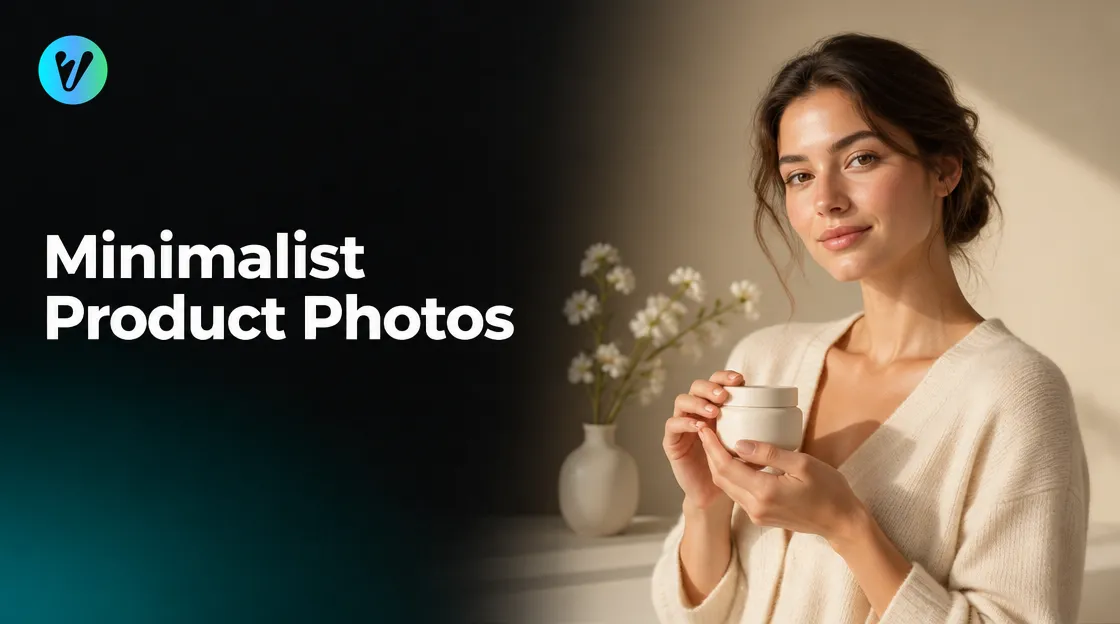
Minimalist product photos keep the focus on one product. This guide covers four simple choices: a neutral palette, soft shadows, empty space and a simple backdrop. It also shows how to use one Voymage style on your own photo.
If you want a calm, neutral look from a photo you already have, try the Nordic Neutral Serenity style. Its page describes minimalist lifestyle photography with warm neutral tones, soft shadows and organic textures. The steps for using it come after the four choices.
What Minimalist Product Photos Have in Common
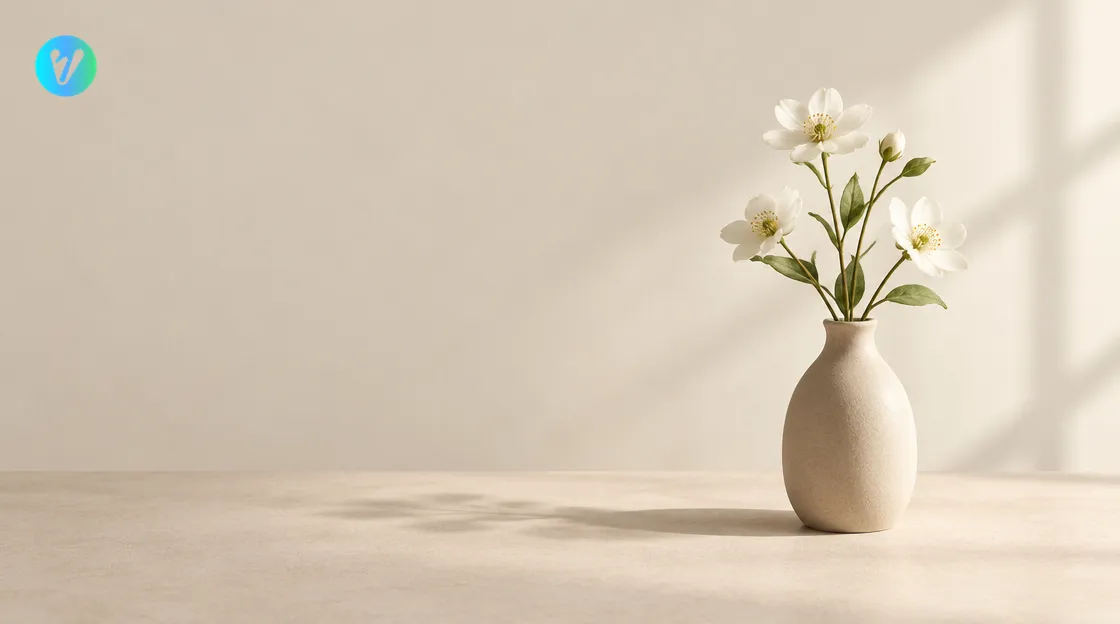
A university image guide describes a simplicity style of photography. It says this style creates ultimate clarity in the message or story of the photo. It also says the goal is to present a story in its purest form, with no distraction and no non-essential content.
The same guide lists what simplicity looks like. It names one message or story, clean compositions with a minimalist foundation and a controlled color palette. It also lists the elimination of non-essential components within the frame.
Use that list as a checklist for every photo. Ask what the one message is and what can leave the frame. The next sections take palette, shadows, space and backdrop in turn.
Choose a Neutral Palette
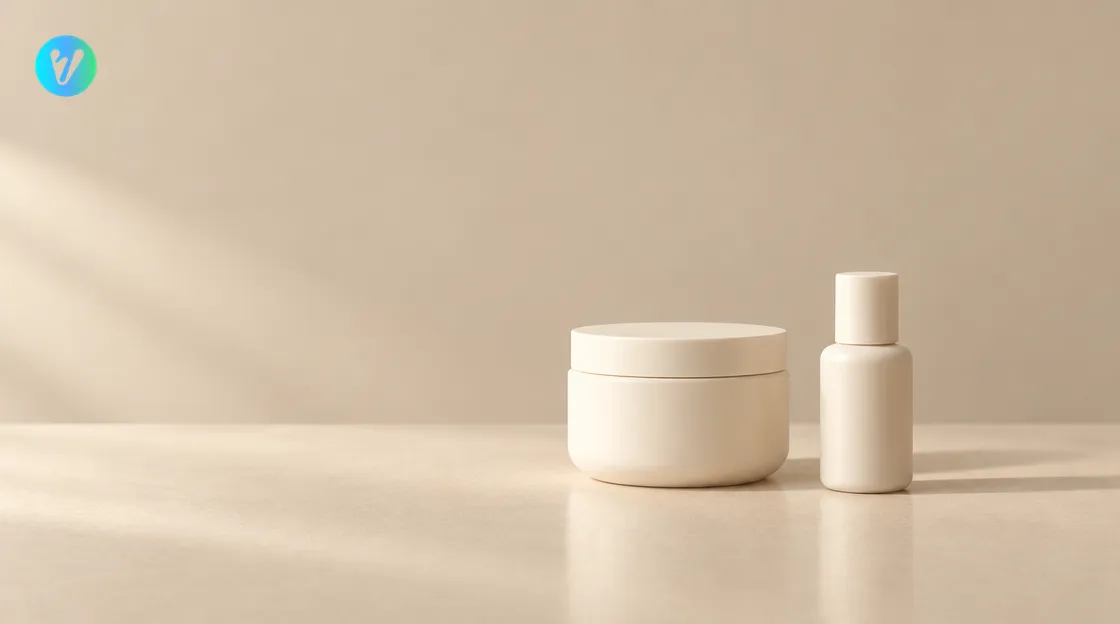
A controlled color palette is one of the simplicity points in the guide. The style page uses a monochromatic palette of beiges and champagnes to create a calm, sophisticated environment. It also says matte ceramics and champagne-colored accents add layers of tactile sophistication to the scene.
Pick two or three tones from the same family, such as beige, cream and soft brown. Place your product on a surface in one of those tones. Remove any item that adds a loud color.
Try a quick test before you shoot. Look at the scene and count the colors you can see. If you count more than three, remove an item or change the backdrop.
Use Soft Shadows
The style page describes soft, editorial-style lighting that casts long, artistic shadows. It says these shadows emphasize form and texture. It also describes soft, natural sunlight coming from the side, which creates long, elegant shadows.
Try a window as your light. Place the product beside it so the light comes from the side. Let the shadow fall on the surface next to the product.
Check the shadow before you shoot. If the edge looks hard, try moving the product away from direct sun. You can also hang a thin white sheet over the window.
Leave Empty Space and Keep the Backdrop Simple
The image guide says to eliminate non-essential components within the frame. A public college style guide says clutter is distracting, and you want people to focus on your subject. Try the same habit in your own photos by leaving empty space around the product.
The college guide suggests placing your subject in front of a blank wall. It also suggests blurring the background. The style page names a product-centric focus with a gently blurred background.
The college guide also says not to center your subject. It suggests a tic-tac-toe grid laid over the image, with the subject on the lines or where they cross. Try that grid on your screen and leave the rest of the frame empty.
- A plain wall. Keep it in one tone from your palette.
- A sheet of matte paper. Tape it behind the product and let it curve down to the table.
- A plain table. Clear everything except the product and one or two props.
Leave a gap between the product and the edge of the frame on at least one side. Keep the backdrop in the same tone as the surface. Take a second photo with the product on a different line of the grid and compare the two.
How the Nordic Neutral Serenity Style Works
The style page describes the look in a few points. It lists luminous side-lighting, a shallow depth of field and refined materiality. It names organic elements like delicate white blossoms and matte ceramics as a tactile context. Using the style takes three steps.
- Upload your photo. Drag and drop an image, or choose one from your device. You can also pick a style first to preview how your photo will transform.
- Choose the format. Pick a format before you generate.
- Generate and download. Your finished image is ready in seconds.
Compare your finished image with your real product. If a color or shape looks different, try another starting photo. Keep the photo that looks most like your real product.
Pick a Starting Photo for Minimalist Product Photos
- Choose a sharp photo of the whole product, with room around it.
- Use side light from a window, so the shadow falls softly beside the product.
- Place the product on a plain surface in one tone from your palette.
- Keep one or two props, such as a matte ceramic or a white flower.
If you have two or three photos, try each one and keep the sharpest. Hold the phone level and stand a little back. Leave empty space on every side of the product.
Common Mistakes to Avoid
- A busy backdrop. Clutter is distracting, so clear the frame.
- Too many colors. Keep to two or three tones from one family.
- Hard shadows. Move away from direct sun or soften the window light.
- A centered product with no space around it. Try the grid and leave the rest empty.
- Too many props. Keep one or two and remove the rest.
Compare your shot with the four choices above before you upload. Fix one thing at a time and shoot again.
Want a different look? Browse the product styles page. You can also open the Studio Hub, the creator start page.
Conclusion
Minimalist product photos come down to four choices: a neutral palette, soft shadows, empty space and a simple backdrop. Set them up with a window, a plain surface and one or two props. Then open the Nordic Neutral Serenity style, upload your photo and choose a format.
Voymage is also available as an app. Get Voymage on Google Play.
Frequently asked questions
What are minimalist product photos?
They keep one message in the frame, with a controlled color palette and no non-essential items. This follows the simplicity points in a university image guide.
Which colors should I use?
Pick two or three tones from one family, such as beige, cream and soft brown. The style page uses a monochromatic palette of beiges and champagnes.
How do I get soft shadows?
Place the product beside a window so the light comes from the side. If the shadow edge looks hard, move away from direct sun or hang a thin white sheet over the window.
How do I use empty space?
Leave a gap around the product and try placing it on the lines of a tic-tac-toe grid instead of the center. Remove anything that does not need to be in the frame.
What does the Nordic Neutral Serenity style do?
Its page describes minimalist lifestyle photography with warm neutral tones, soft shadows and organic textures.
Which photo should I upload?
Choose a sharp photo of the whole product on a plain surface, with side light and room around it.