Profile Picture Ideas: How to Look Polished in One Photo
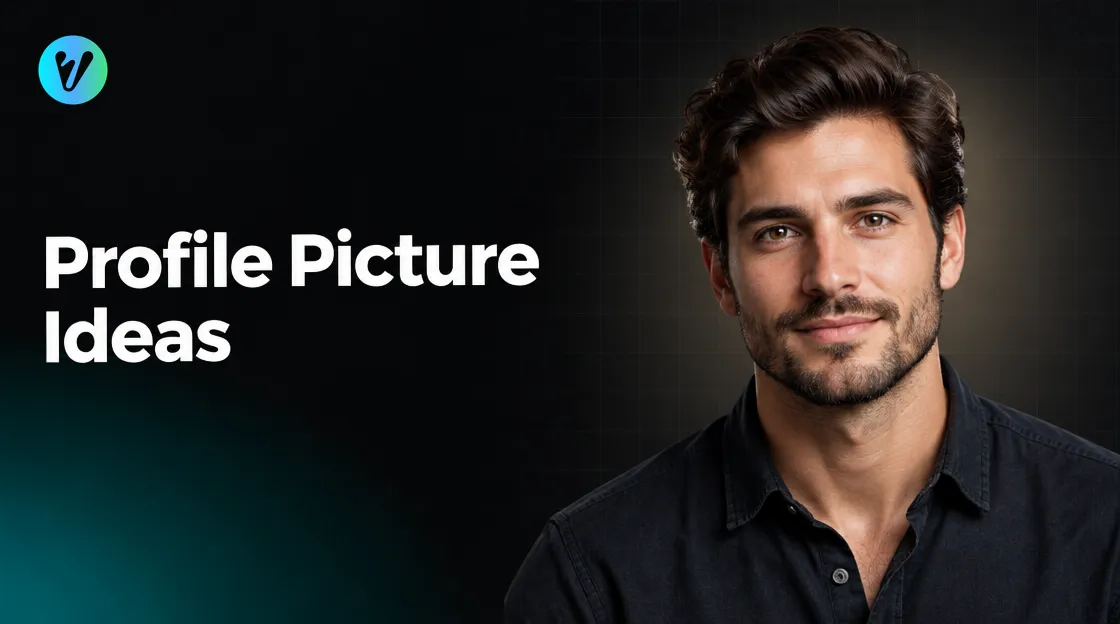
Profile picture ideas are easier than you think. You need a plain wall, soft light and a steady phone. This guide shares simple profile picture ideas for work and social pages. It then shows how to give your photo a polished finish.
When your photo is ready, the Modern Charisma Portrait style in Voymage can add a sharp, polished look. The steps follow later.
Choose a Plain Background
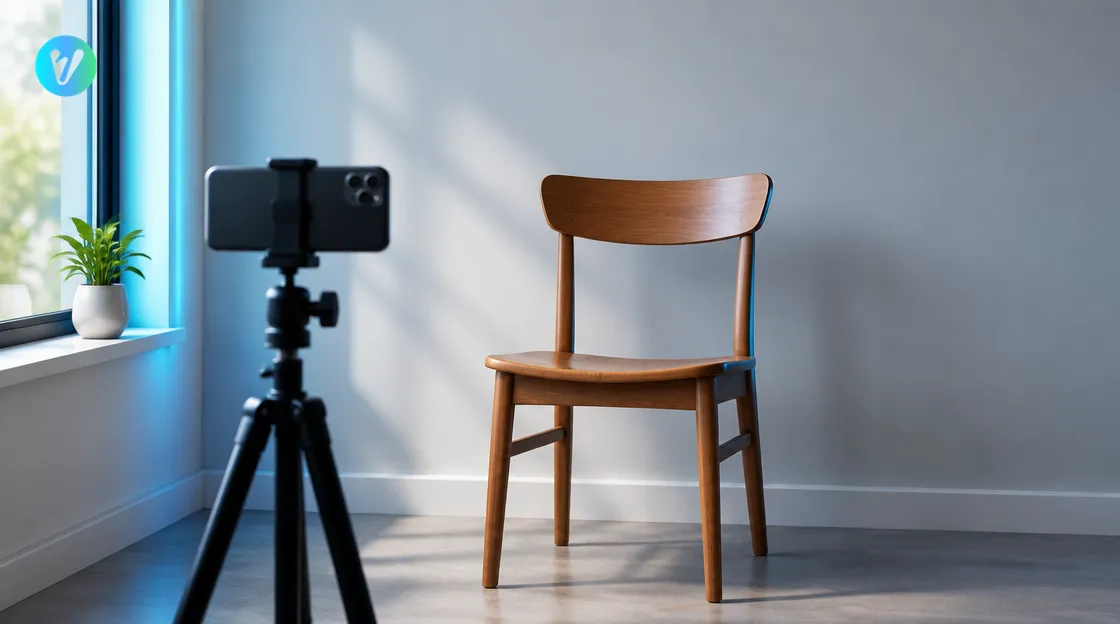
A university guide to taking your own headshot says to pick a plain, neutral wall as your photo background. It also says to check the background for objects that may distract, such as electrical cords, and to remove them from view.
Do the same at home. Choose the plainest wall you have. Move plants, frames and cables out of the frame, and take a quick test shot before you start. Fix one thing at a time, and your next photo will look cleaner.
A plain background also makes cropping easier. When the wall is simple, you can move the picture around inside a small frame without cutting through objects behind you.
Profile Picture Ideas for Clothing, Pose and Light
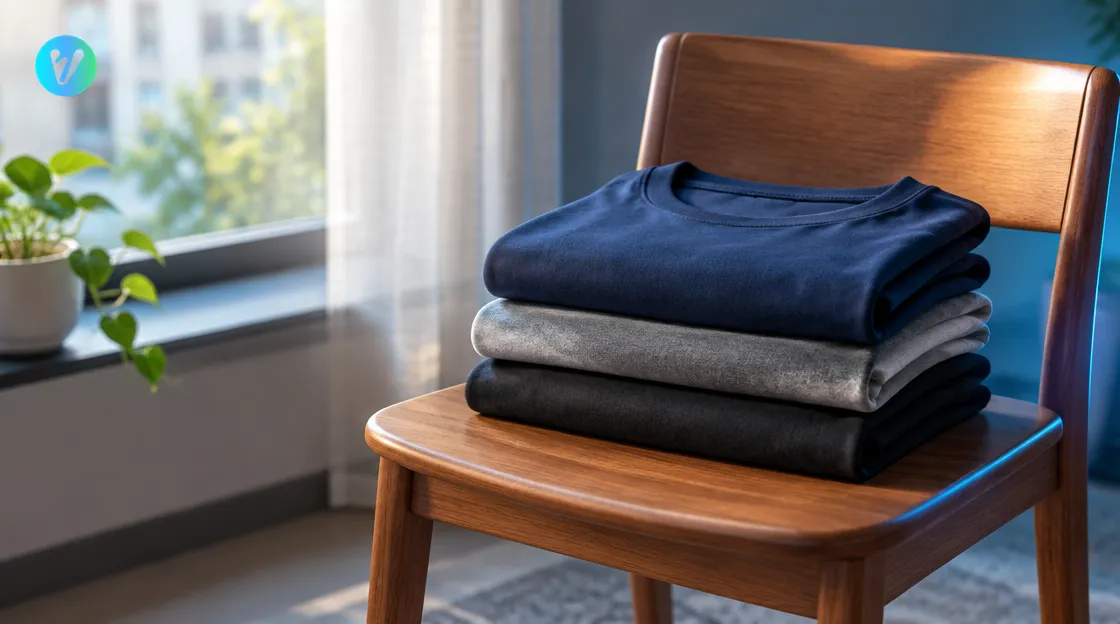
Small choices make a big difference. Use these ideas as a checklist.
- Solid, neutral colours. The guide says solid colours such as black, gray or navy often photograph well. Skip busy patterns that fight with your face.
- Window light. The guide places the camera between you and a window, so the light falls on your face. Face the window and keep the light soft.
- Camera near eye level. The guide suggests placing the camera about 3 inches higher than your eyes. Use a tripod or a stack of books to keep it steady.
- A relaxed pose. Drop your shoulders, turn your body slightly and look at the camera.
- A small head tilt. A slight tilt can look friendly. Try a few and compare them.
- A natural expression. A real smile or a calm look both work. Choose the one that feels like you.
Take plenty of shots, then pick the most relaxed one. Try talking to the camera, or think of a friend. Pause, breathe out, then press the button.
A Quick Checklist Before You Press the Button
Run through this list each time. It helps you avoid retakes.
- Is the wall behind you plain, with nothing growing out of your head?
- Is the light soft and on your face, not behind you?
- Is the phone steady and level with your face?
- Is the lens clean? A quick wipe with a soft cloth helps.
- Do your clothes sit neatly, with no creases at the collar?
If you answer yes to all five, take the shot. If one answer is no, fix it first. A tiny change often saves a retake. Take one more photo after each fix, so you can see the change.
Frame Your Picture for a Small Space
Your picture may appear in a small square or circle. Leave a little space above your head and keep your face near the middle. A close crop keeps your face clear.
Save a copy with extra space around your head, in case a page crops tightly. Before you upload, preview the crop on the page where it will appear.
Close crops show your face clearly even when the picture is tiny. A wide shot with a lot of background can make your face hard to read.
If you use the same picture on several pages, keep one clean copy. Resize copies for each page, and leave the original untouched.
How the Modern Charisma Portrait Style Polishes Your Photo
The style page describes it as an enhancement for your photo, giving a confident, stylish portrait look with a sharp, polished vibe. Its title mentions stylish headshots. It lists cinematic style portraits with rich colours, stylish clothing and confident poses, plus sharp focus and rich colour grading.
Using it takes three steps. Each step is short.
- Upload your photo. Drag and drop an image, or choose one from your device. You can also pick a style first to preview how your photo will transform.
- Choose the aspect ratio. Pick the shape that suits where you will use your finished image.
- Generate and download. Your finished image is ready in seconds.
If you are not happy, try another of your photos. Small differences in pose and light can change the final look.
Check Your Finished Image
Do not rush this step. A good profile picture will be seen many times, so a few extra minutes are worth it.
Look at your finished image at full size and at thumbnail size. At small size, check that you can still read the expression. Ask a friend whether it looks like you on a good day.
- Check that your expression looks natural.
- Make sure the colours suit the page where you will use it.
- Keep the original photo too, in case you want to try another style later.
Think about where each picture will appear. A work page may suit a calm, neutral look. A hobby page can carry a warmer, moodier one. You can keep two photos and use each where it fits.
Common Mistakes to Avoid
- A busy background. It pulls the eye away from your face.
- A hat or sunglasses. They hide your face, and a profile picture is about being recognised.
- A group crop. A cropped group photo often leaves part of another person at the edge.
- Heavy filters. Strong effects can make a picture look unlike you.
- Standing too far away. A tiny face is hard to see in a small circle.
Want a different mood for other pages? Browse the everyday styles page for more portrait looks.
Conclusion
A good profile picture starts with a plain wall, soft window light and a calm pose. Use these profile picture ideas, take a few test shots and pick the clearest one. Then open the Modern Charisma Portrait style, upload your photo and choose an aspect ratio.
Voymage is also available as an app. Get Voymage on Google Play.
Frequently asked questions
What makes a good profile picture?
A plain background, soft light, solid neutral clothes and a clear, relaxed face. Keep the camera steady and near eye level.
What background should I use?
A university headshot guide says to pick a plain, neutral wall and remove distracting objects such as electrical cords.
What should I wear?
Solid colours such as black, gray or navy often photograph well. Avoid busy patterns.
How do I use the Modern Charisma Portrait style?
Upload your photo, choose the aspect ratio, then generate and download. The page describes a confident, stylish look with sharp focus and rich colour grading.
How should I crop a profile picture?
Keep your face near the middle with a little space above your head. Preview the crop on the page where it will appear.
Should I try more than one photo?
Yes, try two or three photos and compare the finished images at full size and thumbnail size. Keep the one that looks most like you.