Floral Product Photos: Soft Pastel Backdrops to Try
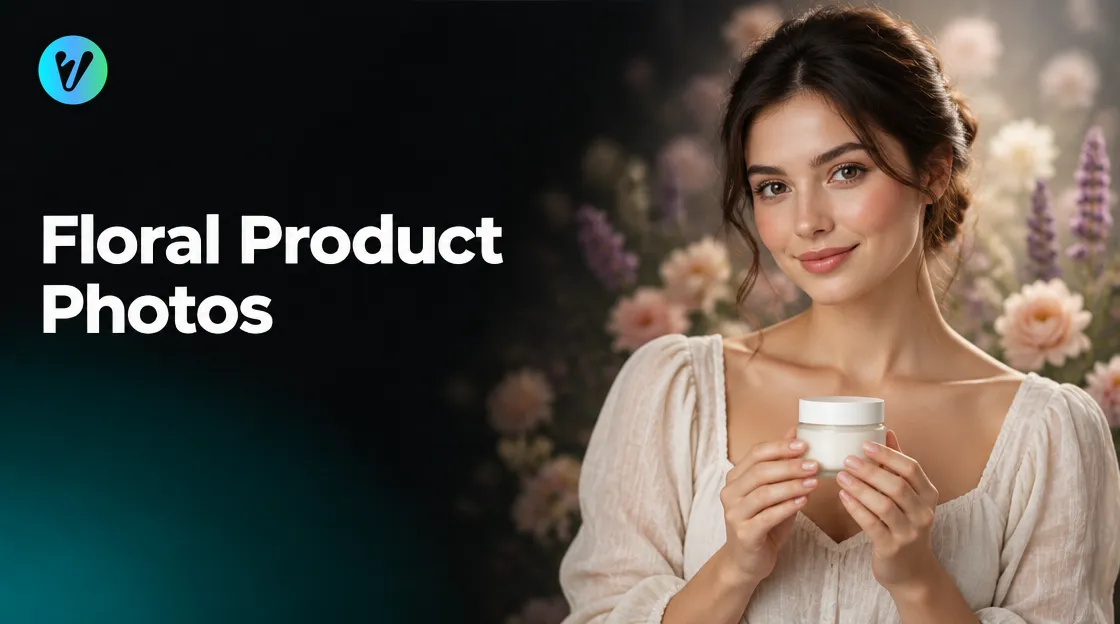
Floral product photos show an item at the center of a botanical setting, surrounded by soft-focus flowers, as the style page describes. This guide shows how to plan the backdrop, the palette and the soft blur behind your item. It also explains a Voymage style that builds this look from a single photo.
If you want the look without building a set, the Blossom Ethereal Editorial style in Voymage is worth a look. The page describes it as a luxury romantic floral background. It is explained after the shooting tips.
The Look of Floral Product Photos
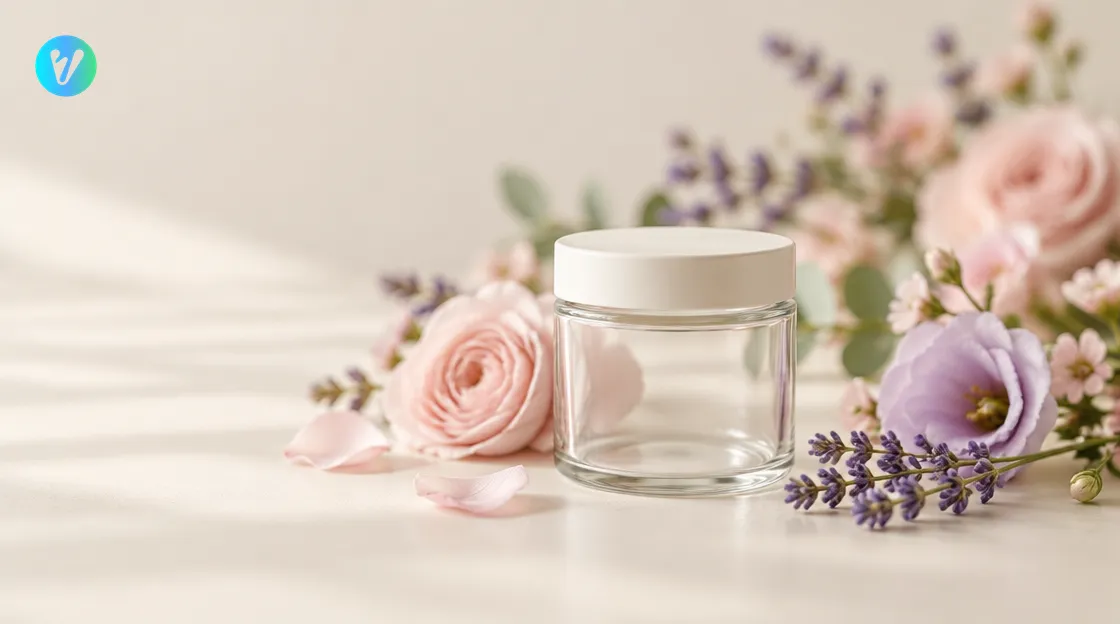
The style page describes your item at the center of a crafted botanical environment, surrounded by soft-focus flowers. It lists four ideas that make up the look. Plan each one before you shoot.
- Floral elements. The page mentions delicate floral elements around the item.
- Balanced layout. The page says balanced botanical elements are arranged to frame your product and draw the viewer's eye to the center.
- Soft pastel palette. The page names blush, lavender and warm ivory tones.
- Shallow depth of field. The page says it keeps your product sharp while the flowers melt into a soft-focus blur.
The page also says the style uses diffused studio lighting to highlight textures and metallic accents. Look at your item before you shoot, and note any textures or metal details.
Plan the Backdrop
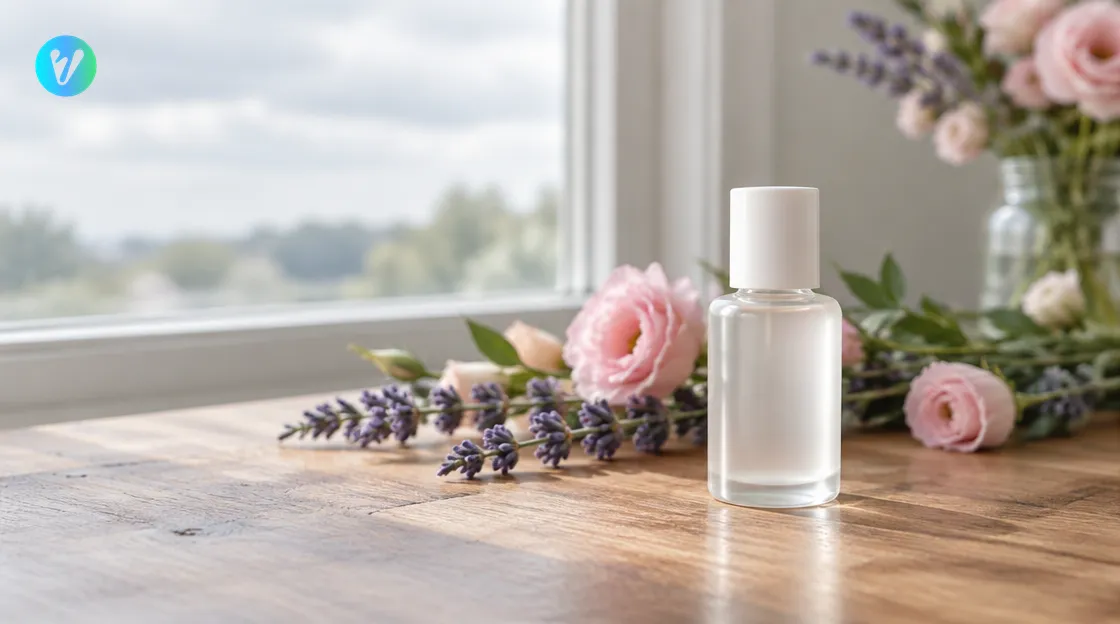
Start with the surface. A public archives guide on photographing objects says that, for smaller objects, you should place them on a flat surface with a neutral colored background. It adds that you should not place the object too close to the background, and that you should give it some space.
Now add the flowers. Place a few stems or petals behind and around your item so they frame it, as the style page describes. Try a balanced layout, with similar amounts on both sides.
The same guide says to keep distracting backgrounds out of the shot and to fill the frame with the object. Check your set for stray objects and cables before you shoot. Move anything that does not belong.
Choose a Soft Pastel Palette
The style page names a soft pastel palette of blush, lavender and warm ivory tones. It says the blend creates a premium and inviting brand mood. Try these three tones for your flowers and your surface.
- Use blush for the flowers nearest your item.
- Use lavender for the softer blooms behind it.
- Use warm ivory for the surface or the backdrop cloth.
Hold your item up to each colour before you shoot. Pick the combination where the item still stands out from the flowers. Take a quick test photo and look at it on a larger screen.
Light the Scene Softly
The style page says it uses diffused studio lighting. The archives guide says that if your object is small enough and you want even, diffused light, you should use a tabletop softbox. If you do not have one, try a window instead.
A university extension guide on garden photography says an overcast or partially cloudy day with its soft, diffused light can also result in better images. It adds that bright sunlight can wash out colors or create unwelcome dark shadows. Try the same idea indoors: set your table beside a window on a cloudy day.
The archives guide also says to turn off your camera's flash and use a tripod. Check each photo for glare on shiny parts. If you see glare, move the camera or your item.
Add Soft Focus Behind the Item
The style page says a shallow depth of field keeps your product sharp while the floral surroundings melt into a soft-focus blur. Try the same look with your camera. Place the flowers some distance behind your item and focus on the item.
The archives guide advises you to check focus after every shot. Tap the item on your phone screen, take the photo and zoom in to check the edges. Hold the phone steady, or rest it on a stack of books.
Take more than one photo. The extension guide says to take multiple photos, and that poorly focused ones are easily deleted. Keep the sharpest one as your starting photo for floral product photos.
How the Blossom Ethereal Editorial Style Works
The page says the style places your item at the center of a crafted botanical environment, surrounded by soft-focus flowers. It also says the finish is soft and dreamy. The page mentions luxury cosmetics and fine fragrances, so check that your own item suits the look. Using the style takes three steps.
- Upload your photo. Drag and drop an image, or choose one from your device. You can also pick a style first to preview how your photo will transform.
- Choose the format. Pick a format before you generate.
- Generate and download. Your finished image is ready in seconds.
Compare your finished image with your real item. If a detail looks wrong, try another starting photo. Keep your own photos too, so you can compare them side by side.
Pick a Starting Photo
- Choose a sharp photo of the whole item on a plain, neutral background.
- Use soft, diffused light, such as a window on a cloudy day.
- Fill the frame with the item and keep it near the center.
- Leave some space between the item and the background.
The style page describes your item at the center of a botanical setting, so start with a centered photo. If you have two or three photos, try each one and see which gives the clearest finished image. Keep the clearest one for next time.
Common Mistakes to Avoid
- Flowers that crowd the item. Keep them as a frame around it, not a wall in front of it.
- A busy background. The archives guide says to keep distracting backgrounds out of the shot.
- Harsh light. The extension guide says bright sunlight can wash out colors.
- Camera flash. Turn it off, as the archives guide advises.
- Skipping the check. Compare each finished image with your real item.
Looking for other looks? Browse product photography styles for more options, or open the studio hub to see every style type in one place. Try a few and keep the ones that match your brand colours.
Conclusion
For floral product photos, start with a plain surface, a soft frame of flowers and a gentle palette. Add soft light and a soft-focus background, and check every shot. Then open the Blossom Ethereal Editorial style, upload your photo and choose a format.
Voymage is also available as an app. Get Voymage on Google Play.
Frequently asked questions
What are floral product photos?
The style page describes an item at the center of a botanical setting, surrounded by soft-focus flowers.
Which colours does the style use?
The page names a soft pastel palette of blush, lavender and warm ivory tones.
How do I get a soft blurred background?
The style page says a shallow depth of field keeps the product sharp while the flowers blur. With a camera, give the item some space from the background and focus on the item.
What light should I use?
Try soft, diffused light. A public archives guide suggests a tabletop softbox for small objects, or try a window on a cloudy day.
What background suits a small item?
A public archives guide says to use a flat surface with a neutral colored background and to give the object some space from it.
Which starting photo should I use?
Choose a sharp photo of the whole item, near the center of the frame, on a plain neutral background in soft light.