Christmas Photo Ideas: Festive Looks to Try at Home
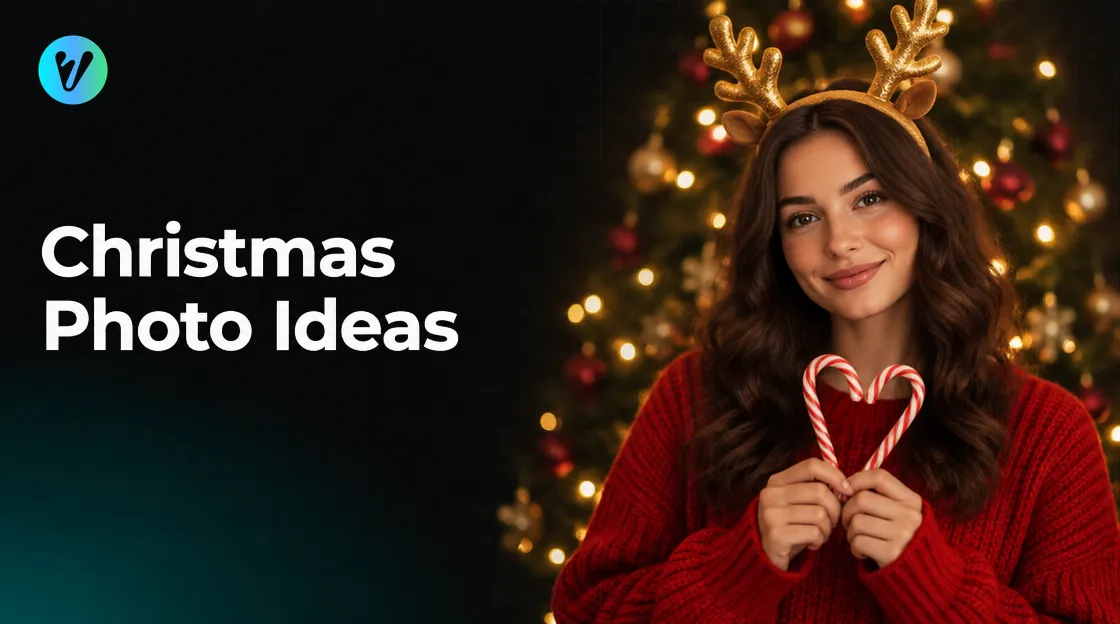
Looking for Christmas photo ideas that you can shoot at home? This guide gives you simple looks to try, from a red sweater to a tree full of fairy lights. It also covers colour, light and the angle of your camera.
When you want a festive finish, the Christmas Candy Cane Portrait style in Voymage is worth a look. The page describes an oversized red sweater, a candy cane heart pose and golden reindeer antlers. The steps are explained after the ideas.
Christmas Photo Ideas to Try at Home
You can shoot these with a phone. Pick two or three, and keep the rest of the scene simple. Take a few frames of each idea.
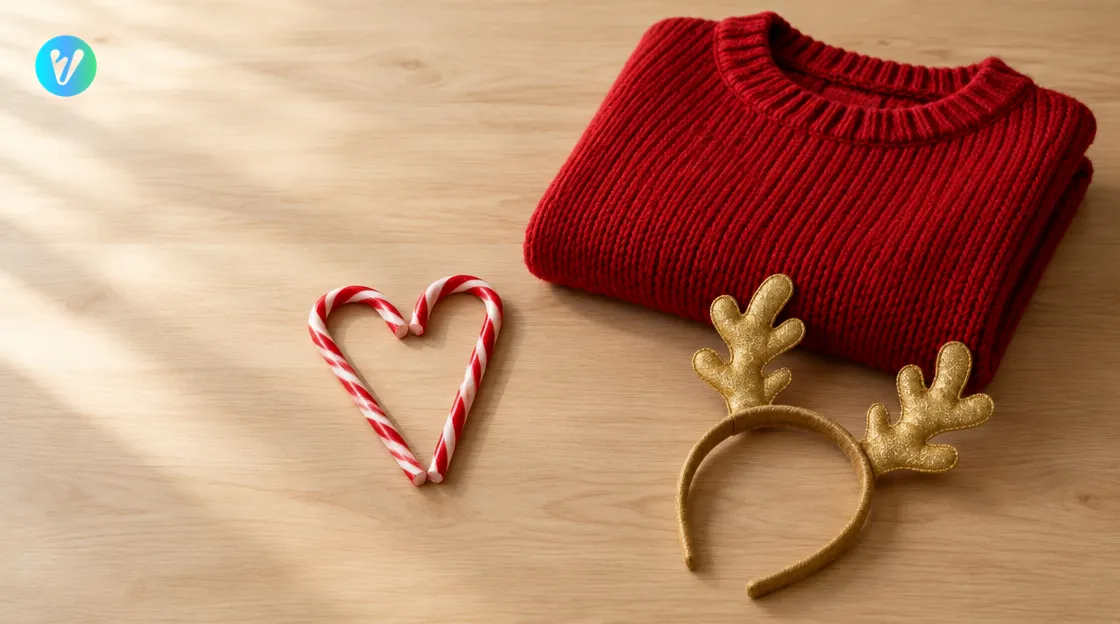
- Oversized red sweater. Wear a big red sweater and stand in front of the tree.
- Candy cane heart pose. Hold two candy canes so their curves meet in a heart shape.
- Reindeer antlers. Wear a golden pair of antlers on a headband for a holiday touch.
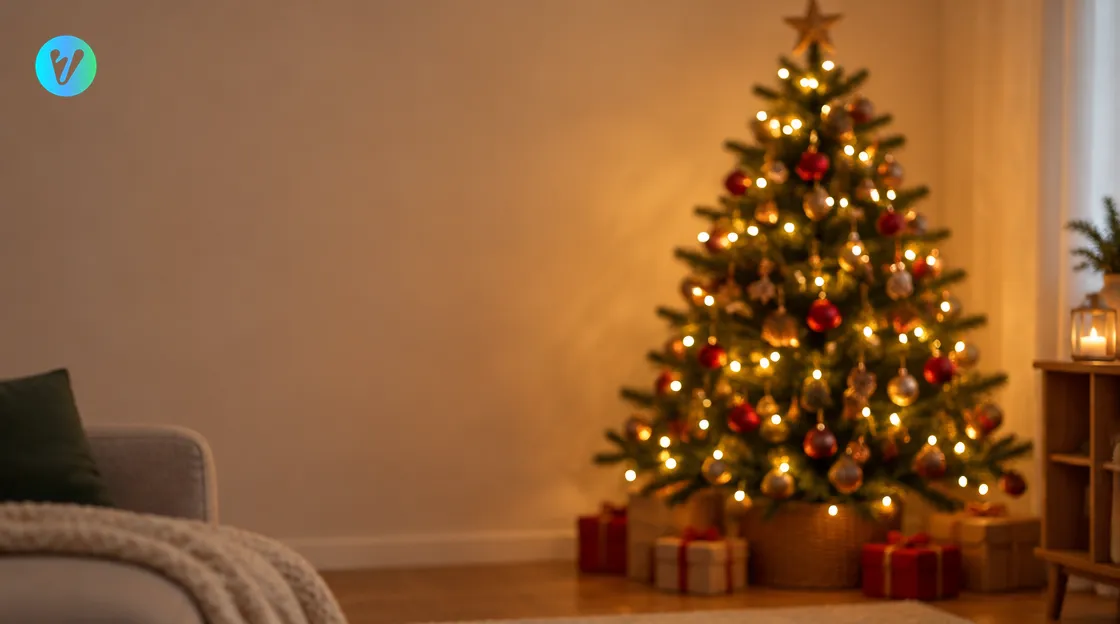
- Tree glow. Stand in front of a decorated tree with the fairy lights switched on.
- Soft glowing lights. Place string lights behind you and let them blur into soft glows.
- Window light. Turn so the light from a window falls on your face from the side.
- A close portrait. Move in so your face and sweater fill the frame.
- A wide scene. Step back so the tree and the room frame you.
Move around before you shoot. A university photography professor says a change in height, angle or viewpoint can make a huge difference. Try a low angle, then a high one, and compare the frames.
The professor also suggests taking more photos than you think you need. Take some farther back, a few closer up, and then another even closer.
Plan a Simple Colour Scheme
The professor says that combining opposite colours, such as red and green or blue and orange, will create pops of high contrast. Try a red sweater in front of a green tree. Keep the rest of the scene calm.
The professor also says a limited colour scheme of two or three colours can really help your photographs look more professional. Choose your colours before you start. Move anything that does not fit, such as a bright bag or a patterned cushion, out of the frame.
Pick a plain background as well. The professor says an evenly coloured or textured background will not compete for attention with your subject. If you are at home, rearrange things to cut down a busy background.
Light and Glow for Holiday Photos
The professor says light coming from an angle is very flattering. Try standing beside a window so the light reaches your face from the side. Try to avoid backlighting if you can.
The professor also describes bokeh, a beautiful effect that happens when background lights are out of focus in a photograph. The style page mentions a richly decorated Christmas tree with warm fairy lights and soft glowing bokeh. Try it yourself by hanging fairy lights behind you and standing a little way in front of them.
The professor adds that phones have ways to get this effect. Look in your camera app for a portrait mode or a background blur setting. Take a test frame and check that the lights look soft.
How the Christmas Candy Cane Portrait Style Works
The style page says you upload your photo and select the aspect ratio you want. It says the system analyzes the photo, applies the style's characteristics and fits the final image to the selected format. When processing is complete, the finished image is ready to download.
The page describes a cheerful holiday setting with glowing lights and festive styling, blended with cozy tones and Christmas details. It names an oversized red sweater, a candy cane heart pose and golden reindeer antlers. It also mentions a richly decorated Christmas tree, warm fairy lights and soft glowing bokeh.
Using it takes three steps. Each one is quick.
- Upload your photo. Drag and drop an image, or choose one from your device. You can also pick a style first to preview how your photo will transform.
- Choose the aspect ratio. Pick the shape you want.
- Generate and download. Your finished image is ready in seconds.
Open your finished image at full size. Check that the sweater, the lights and your face look the way you want.
Pick a Starting Photo
- Choose a sharp photo with one clear light direction.
- Pick a plain background, so you stand out from it.
- Make sure your face is clear and not hidden by a hat or glasses.
- Try placing yourself a little left or right of centre, as the professor suggests.
- Skip photos with a strong flash or heavy filters.
The professor says some compositions work better horizontally and others work better vertically. Turn your phone both ways and see which shot you prefer. Then choose the aspect ratio that suits your photo.
If you have two or three similar photos, try each one and see which you prefer. Keep the sharpest one as your starting photo. Wipe your phone lens before you shoot.
Common Mistakes to Avoid
- Too many colours. Stick to two or three.
- A busy background. Clear away clutter, or stand in front of a plain wall.
- Light from behind. Turn so the light comes from the side.
- Always in the centre. Move yourself a little left or right of centre.
- One height only. Change your height, angle or viewpoint.
- Too few frames. Take more photos than you think you need.
Keep your list of Christmas photo ideas short, and give each one a few frames. Want a different look? Browse the everyday styles page for more portrait looks.
Conclusion
Keep your Christmas photo ideas simple. Choose two or three colours, a plain background and light from an angle, then take plenty of frames. When you want a festive finish, open the Christmas Candy Cane Portrait style, upload your sharpest photo and choose an aspect ratio.
Voymage is also available as an app. Get Voymage on Google Play.
Frequently asked questions
What is an easy festive look to try at home?
Try an oversized red sweater, a candy cane heart pose or golden reindeer antlers. Pick two or three ideas and keep the rest of the scene simple.
Which colours suit a holiday photo?
A university photography professor says opposite colours such as red and green create pops of high contrast. The professor also says a limited scheme of two or three colours can help your photographs look more professional.
How do I get glowing lights behind me?
Hang fairy lights behind you and stand a little way in front of them so they blur out of focus. Look in your camera app for a portrait mode or a background blur setting.
How does the Christmas Candy Cane Portrait style work?
Upload your photo, choose the aspect ratio, then generate and download. The page describes an oversized red sweater, a candy cane heart pose and golden reindeer antlers.
Which photo should I upload?
Choose a sharp photo with one clear light direction and a plain background. Avoid strong flash and heavy filters.
Should I try more than one photo?
It helps to compare. Try two or three similar photos and keep the sharpest one.