
Change Aspect Ratio Without Cropping
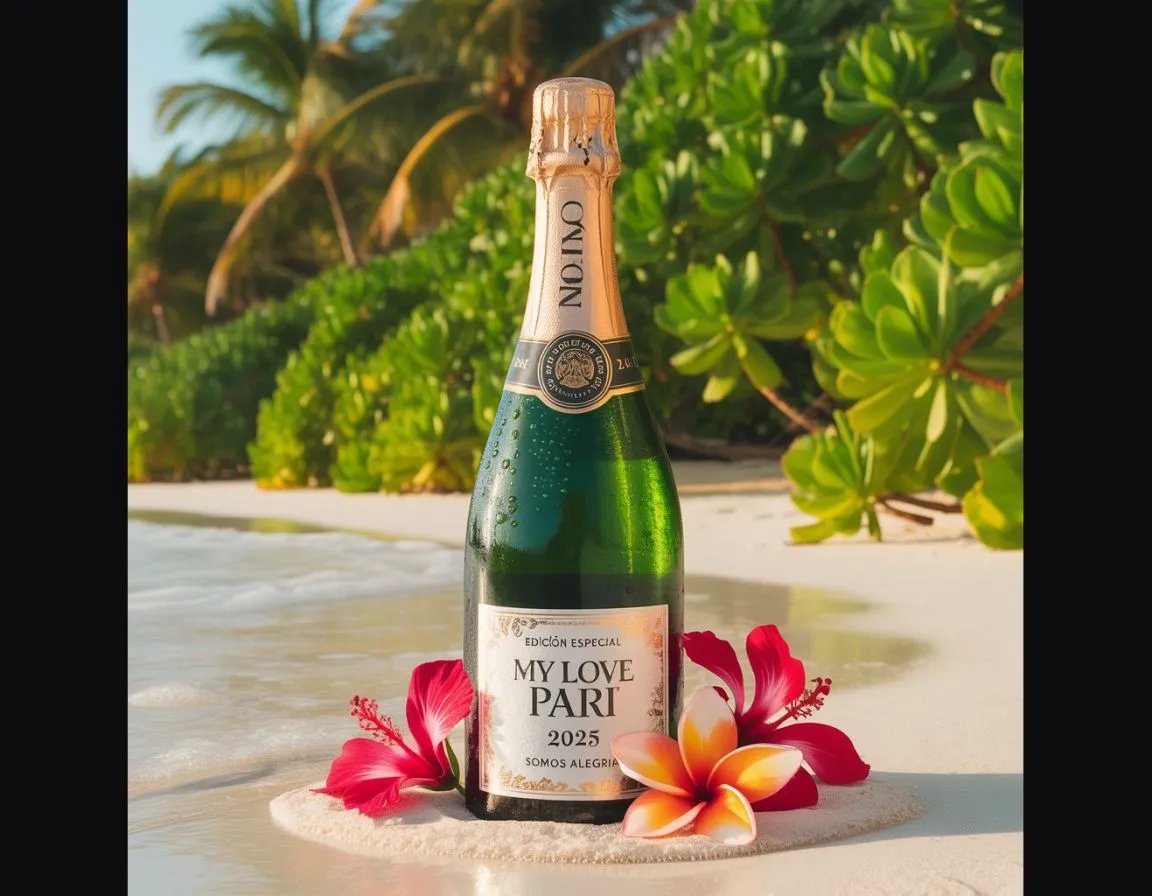
Expand Image allows users to convert an image to a different aspect ratio without cropping, resizing, or altering the original content. The system keeps the uploaded image completely unchanged while intelligently generating new surrounding areas that naturally extend the existing background. The expanded regions match the original scene’s lighting, depth, perspective, textures, and environmental details to create a seamless, realistic composition.

Free to Try
No Credit Card
Takes under 30 seconds


Natural facial features preserved. No face swapping.
Original Image Stays Exactly the Same
No resizing, cropping, or distortion applied.
Upload photo to create a version like this
No Quality Loss
Resolution, sharpness, and original details remain untouched.
No Cropping or Stretching
The uploaded image remains in its original size and proportions.
Privacy-First Processing
Your original photos are processed securely and never stored longer than necessary.

Generate images in 3 easy steps
Our intuitive workflow makes it easy to create stunning AI-enhanced images in just seconds.
Drag and drop your image or choose one from your device. You can also pick a style first to preview how your photo will transform.
Frequently Asked Questions
Quick answers to the most common questions.
Yes. You can create your first image for free to see the result before deciding to upgrade.