Create Cinematic Dandiya Portrait with AI
Upload your photo and select the aspect ratio you want, and the system will automatically process your image to match the visual look of this theme. It analyzes the photo, applies the style’s characteristics, and generates a polished final result that fits the selected format. Once processing is complete, you’ll receive your finished Cinematic Dandiya Portrait, ready to download.

Free to Try
No Credit Card
Takes under 30 seconds
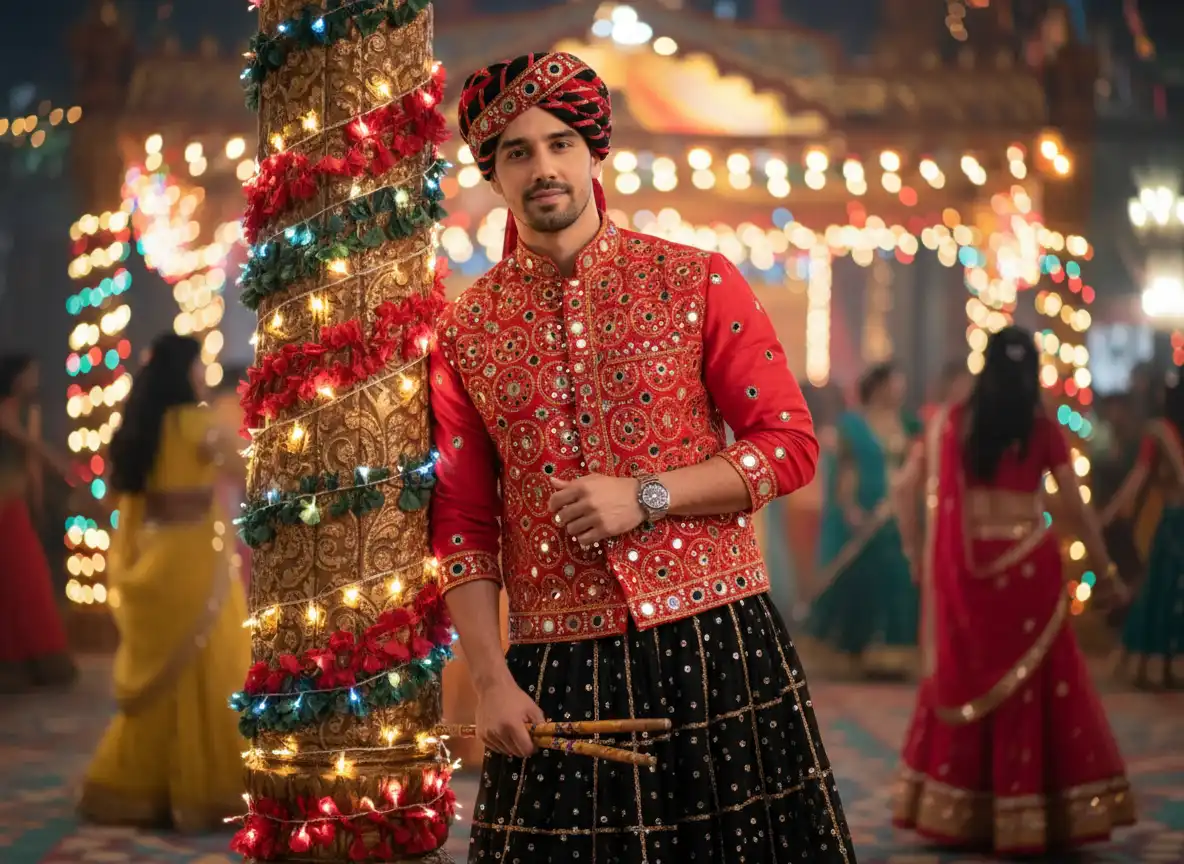


Natural facial features preserved. No face swapping.
Festive Cinematic Realism
Bring the energy and vibrancy of Navratri into a high-quality cinematic portrait, combining detailed attire, festive lighting, and authentic facial fidelity.
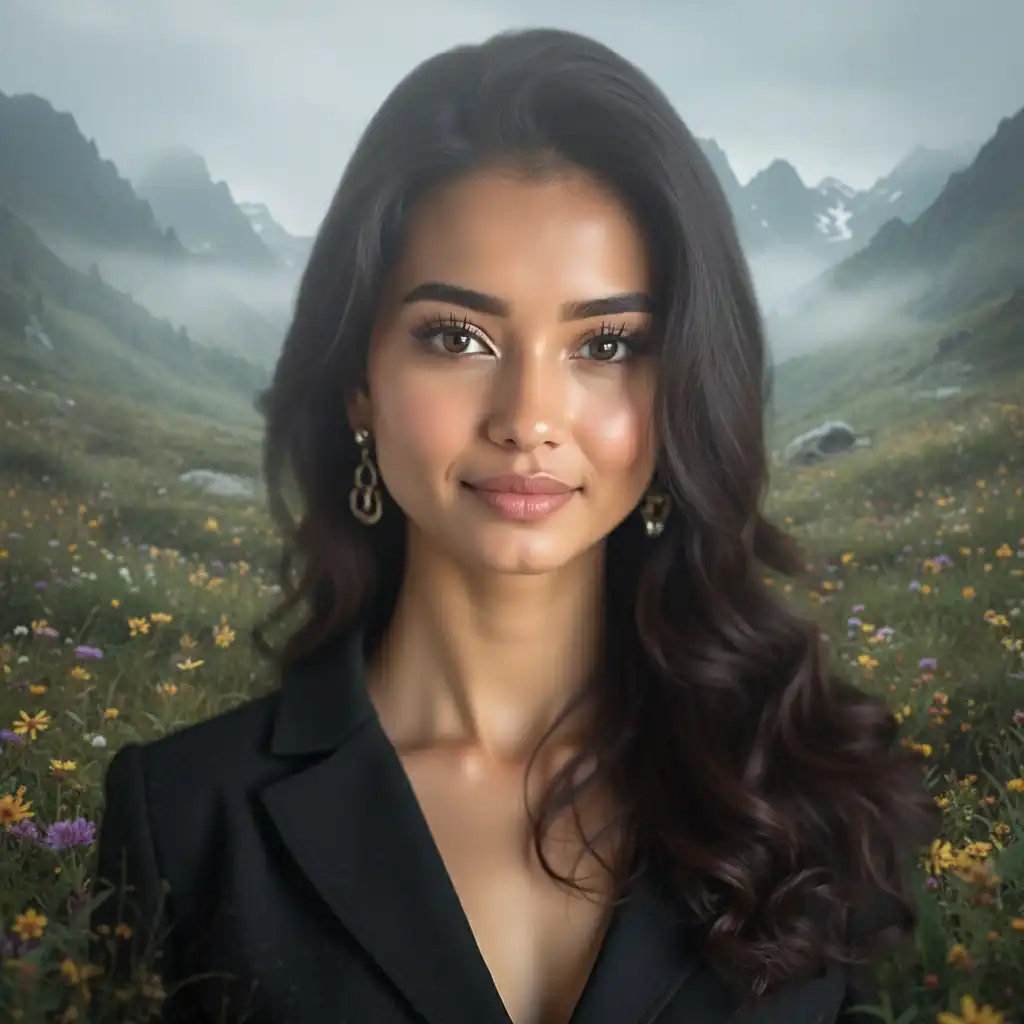
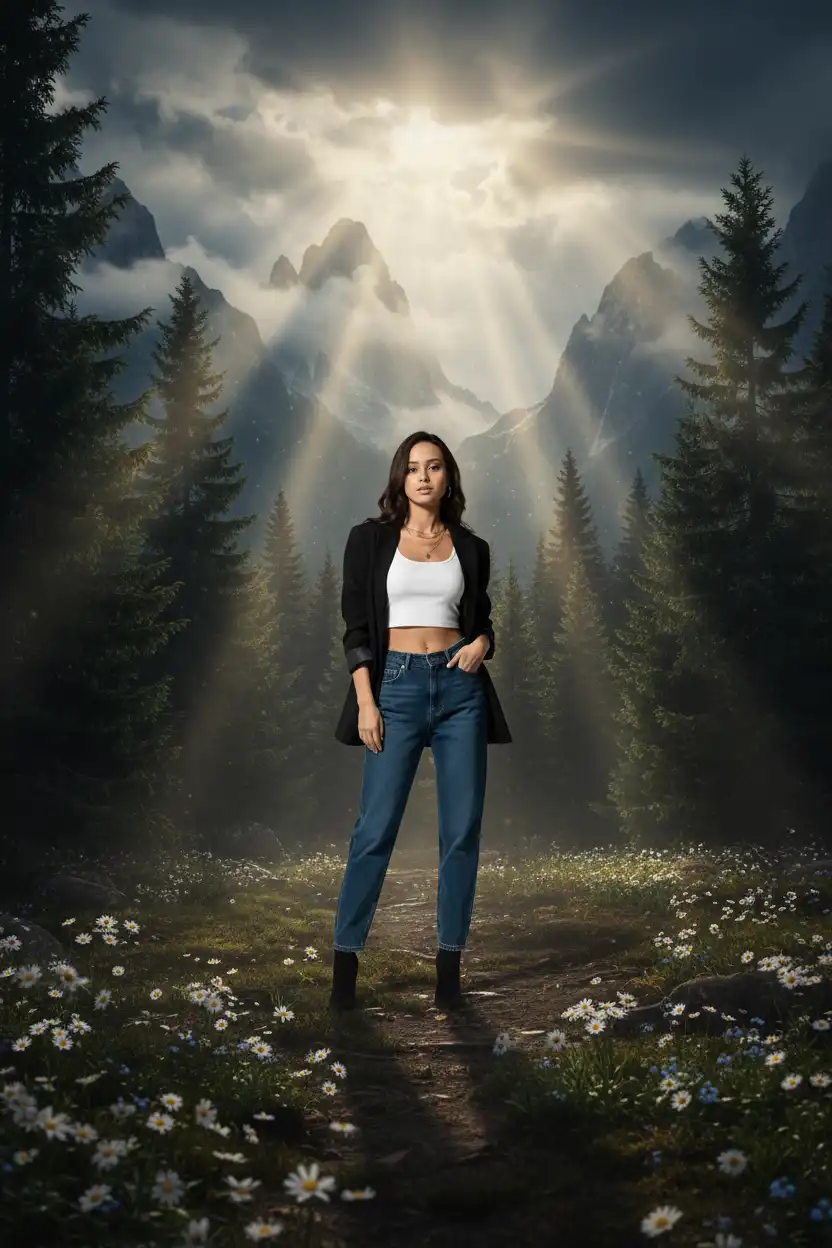
Upload photo to create a version like this
100% Facial Fidelity
Preserve the original face and perfectly styled hair exactly as in the reference photo.
Intricate Traditional Attire
Highlight detailed mirror work, golden embroidery, and complementary accessories for authentic festive style.
Dynamic Celebration Background
Capture the lively Navratri night with colorful lights, blurred dancers, and an immersive festive ambiance.

Generate images in 3 easy steps
Our intuitive workflow makes it easy to create stunning AI-enhanced images in just seconds.
Drag and drop your image or choose one from your device. You can also pick a style first to preview how your photo will transform.
Frequently Asked Questions
Quick answers to the most common questions.
Yes. You can create your first image for free to see the result before deciding to upgrade.
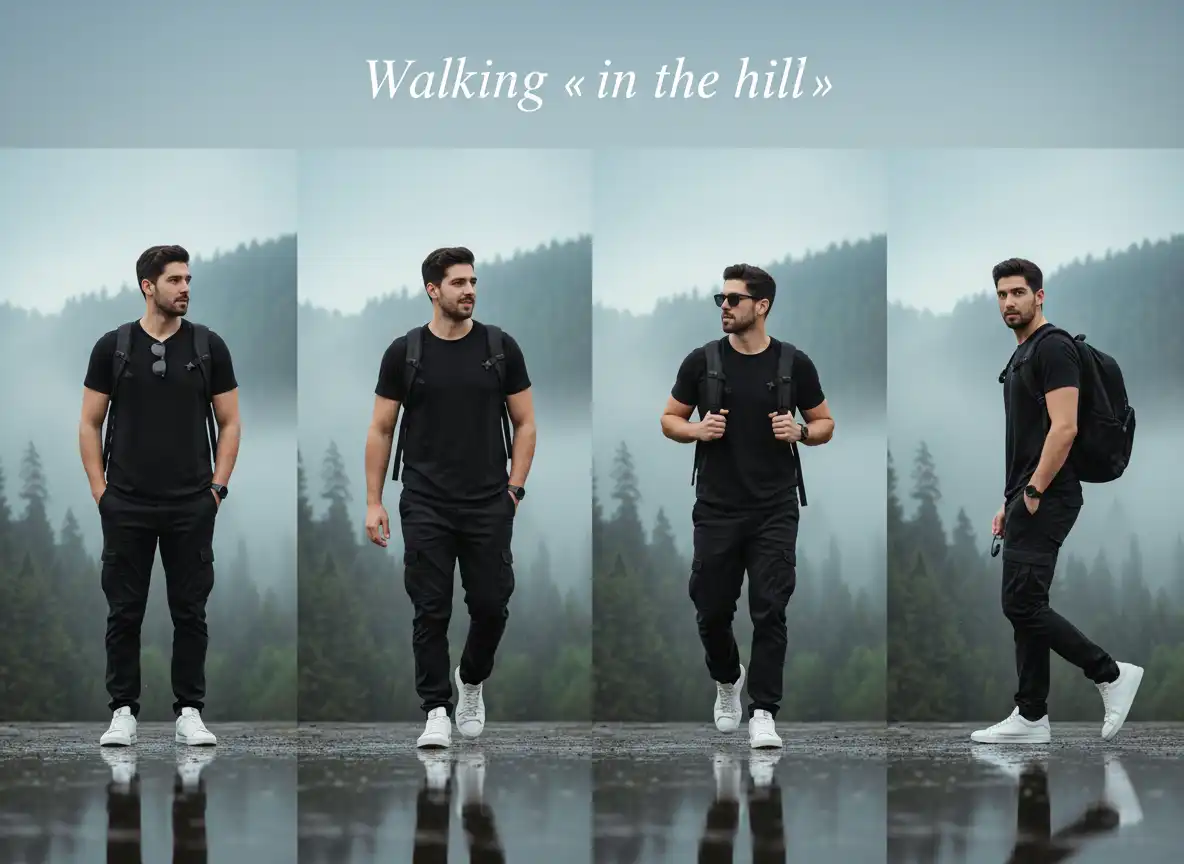
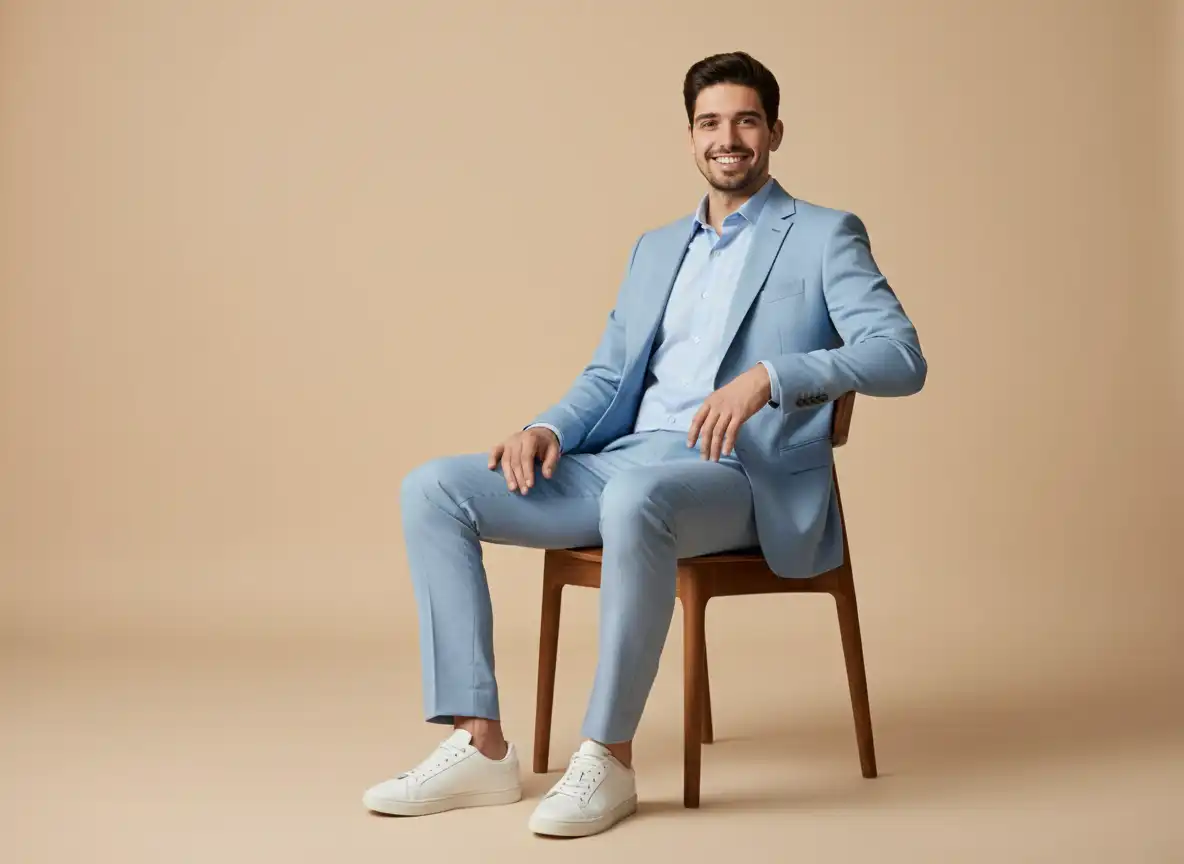
Explore more similar style
Explore similar styles picked just for you. Find your next favorite look.